 Local App Ecosystem
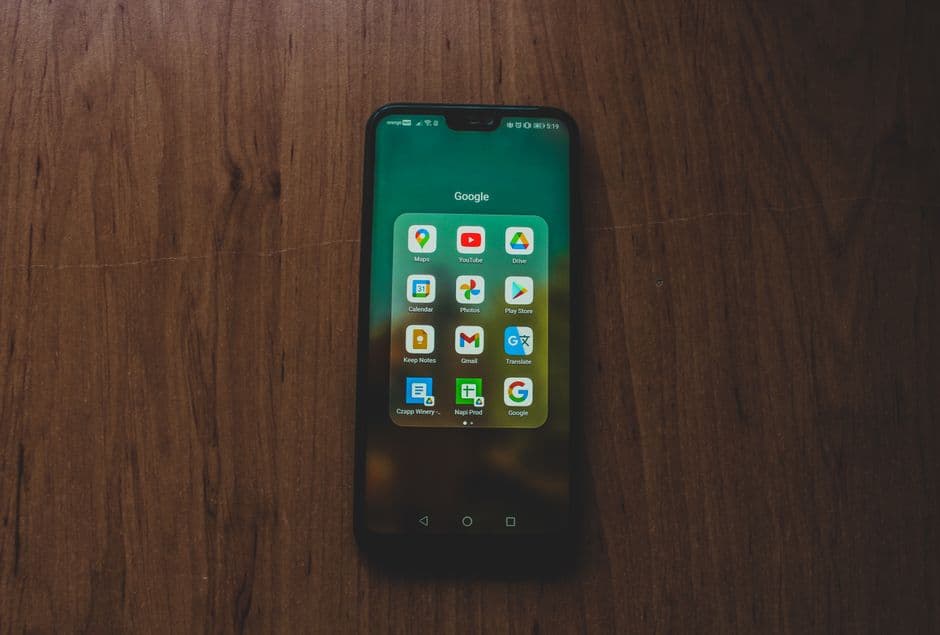
Google Maps fails in South Korea. Here are the four apps every traveler needs, Naver Map, KakaoTalk, Kakao T, and payment apps, before landing in Seoul.
Google Maps is close to useless in South Korea. Due to national security restrictions, Google cannot download Korean map data to foreign servers, so routing is broken and transit directions are absent. Download Naver Map before your flight lands, it is the single most important app for navigating the country.
Naver Map: Your Primary Navigation Tool
Naver Map (네이버 지도) is built by South Korea's dominant search engine and handles every transport mode: subway, bus, walking, driving, and cycling. Switch the app language to English via Settings → Language. Once in English, you get transliterated station names, real-time bus arrivals, and turn-by-turn driving instructions.
Key features worth knowing:
- Transit routing shows exact subway line colors, platform numbers, and walk times between transfers inside stations, essential in Seoul's AREX airport rail interchange.
- Bus stop view gives live countdowns for every route at a given stop, updated every 30 seconds from city data feeds.
- "Around me" search (주변) surfaces convenience stores, pharmacies, and ATMs filtered by opening hours, which Kakao Map lacks in English.
- Offline map caching is available under Settings → Offline Map. Cache the Seoul metropolitan area (about 400 MB) before landing.
The app is free on both the App Store and Google Play. No account is required for navigation.
KakaoTalk: More Than a Messenger
KakaoTalk is installed on 93 pct of Korean smartphones. You need it not as a chat tool but because a large portion of Korean businesses, restaurants, guesthouses, tour operators, only accept booking inquiries via KakaoTalk's "Channel" (플러스친구) feature rather than email.
Create an account with your foreign phone number. Once set up, search for a business name in the app's search bar and tap "Channel Chat" to message them directly. Many restaurants near tourist hotspots like Insadong and Hongdae will reply within minutes with table availability.
Kakao T: Hail a Taxi Without Speaking Korean
Kakao T is South Korea's dominant ride-hailing app, used by ordinary licensed taxis, not a separate driver pool. It is far more reliable than flagging a cab on the street during peak hours in Seoul or Busan.
Set up before you need it:
- Download Kakao T and create an account using your phone number.
- Add a foreign credit card (Visa and Mastercard both work; some Amex cards are declined).
- Set your home language to English in Profile → Settings.
Fares follow the official Seoul taxi meter: base fare 4,800 KRW as of 2025, rising in increments. The app shows the estimated total before you confirm. Late-night surcharges (midnight to 4 AM) add 20 pct to all fares, the app flags this clearly with an orange badge.
Intercity coach booking, if you need an express bus from Seoul Express Bus Terminal to Busan or Gyeongju, Kakao T also handles those tickets under the "Bus" tab.
Paying Without a Korean Bank Account
Most convenience stores, subway ticket machines, and major restaurants accept foreign Visa and Mastercard contactless. For everything else, two apps help:
- Naver Pay accepts foreign cards (Visa/Mastercard/UnionPay) linked directly in the app for QR-based payments at 3.6 million merchants displaying the Naver Pay QR sticker. No Korean bank account needed.
- Toss launched a tourist-specific onboarding flow in 2024 that lets foreigners load KRW using a foreign card and spend via a virtual card. The exchange rate is mid-market with a 1.5 pct fee, better than airport kiosks.
T-money vs App Payments
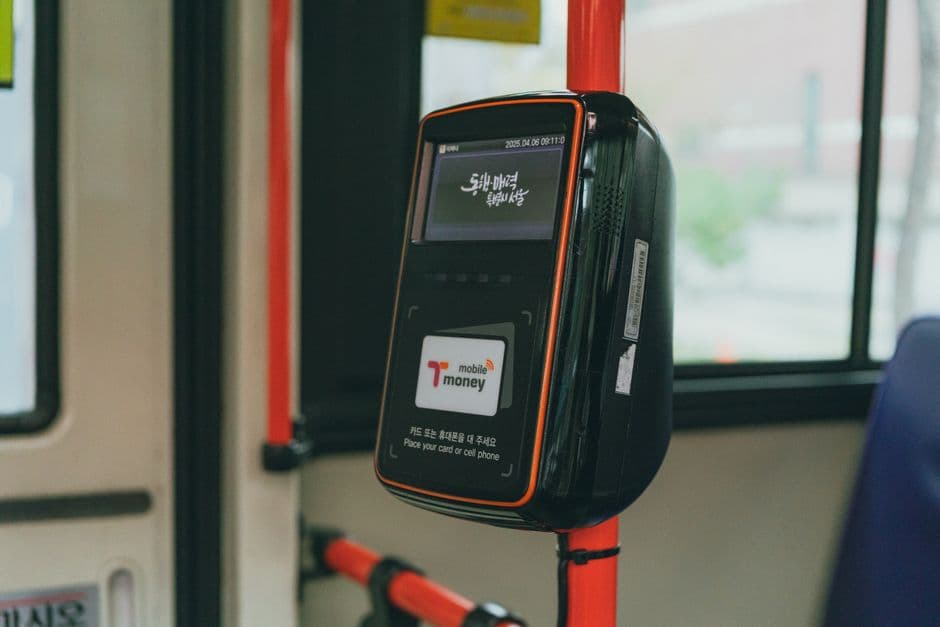
Subway turnstiles and most bus validators do NOT accept NFC phone payments from foreign Apple Pay or Google Pay. Buy a physical T-money card (3,000 KRW deposit) at any GS25 or CU convenience store and top it up with cash.
What to Install Before Landing
| App | Purpose | Account needed |
|---|---|---|
| Naver Map | Navigation + transit | No |
| KakaoTalk | Business messaging | Yes (phone number) |
| Kakao T | Taxis + express buses | Yes + payment card |
| Naver Pay or Toss | Cashless payments | Yes + foreign card |
Cache Naver Map's offline data on Wi-Fi at your hotel on arrival night. Every other app works fine on a Korean eSIM or a rented pocket Wi-Fi, both of which you can collect at Incheon Airport's arrivals level before clearing customs.

 Local App
 Local App