

 Visas Entry
Complete Visit Japan Web guide: what to register, how the QR code works, and when you still need paper customs forms.
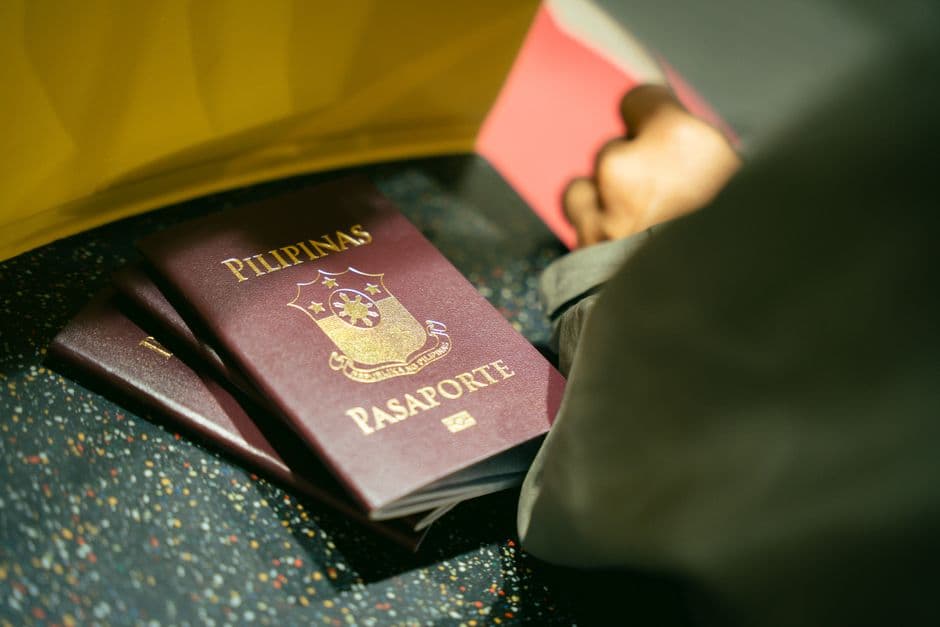
Visit Japan Web is Japan's official online arrival service. It lets you register immigration and customs information before landing, then display a QR code at participating airport procedures. It is useful, but it is not a visa, an entry guarantee, or a substitute for your passport. Japan Customs still requires every arriving passenger to make a declaration about their belongings, and officers can inspect luggage even after an electronic submission.
What to prepare before you start
Use the official Visit Japan Web site, not a paid lookalike. Have your passport, flight details, Japanese accommodation address and a phone or printed backup ready. Create an account, enter your passport information, then add your arrival schedule. Each traveller needs their own procedure: do not assume one adult's QR code covers the whole family.
The service guides you through the immigration and customs sections. Complete it while you have a stable connection, ideally before departure. Screenshot the finished QR code and keep the login details accessible; airport Wi-Fi, a dying battery or a spelling correction is a bad moment to discover you cannot sign in.
Immigration: useful, but not a border decision
Your immigration registration supplies arrival information electronically. At the airport, follow staff directions, present your passport and complete any biometric or interview steps required for your nationality and status. A Visit Japan Web submission does not change visa rules. Check entry eligibility, passport validity and any visa requirement with the Japanese embassy or consulate responsible for you before travel.
For most short-stay visitors, the practical benefit is less form-filling after a long flight. It does not mean you can skip questions from an immigration officer. Keep your onward or return plans and accommodation details easy to show if asked.
Customs: answer the declaration honestly
Japan Customs recommends electronic declaration through Visit Japan Web. The QR code can be read with an IC passport at an electronic declaration terminal, and selected airports also use integrated kiosks that combine immigration and customs steps. The process can be faster, but it does not turn customs into a no-check lane.
Declare goods and answer the questions truthfully. In particular, do not guess about items that trigger separate controls:
- Unaccompanied baggage must be declared when you enter. Customs says you cannot add that declaration after entry.
- Cash or payment instruments over ¥1 million equivalent must be declared.
- Meat, plants, fruit, seeds and animals may need quarantine inspection before customs.
- Medicines, high-value goods, alcohol, tobacco and gold can have separate conditions or allowances.
Japan Customs describes the green channel as for passengers without dutiable, prohibited or restricted goods; use the red channel or ask an officer if that is not clearly you. The paper declaration remains available, so a broken phone is inconvenient rather than a reason to skip the declaration. See the official passenger-clearance guidance for current allowances and restricted goods.
Arrival-day sequence
After landing, follow airport signage. You may meet quarantine first, then immigration, collect checked baggage, and proceed to customs. At an electronic terminal, have both the passport and Visit Japan Web QR code ready. If your airport directs you to an integrated kiosk, follow its screen prompts and remove face coverings when requested for identity checks.
The winning strategy is simple: finish Visit Japan Web before flying, save the QR code, carry your passport, and declare anything uncertain. Electronic submission speeds up paperwork; accuracy is what prevents an awkward arrival.



 Visas Entry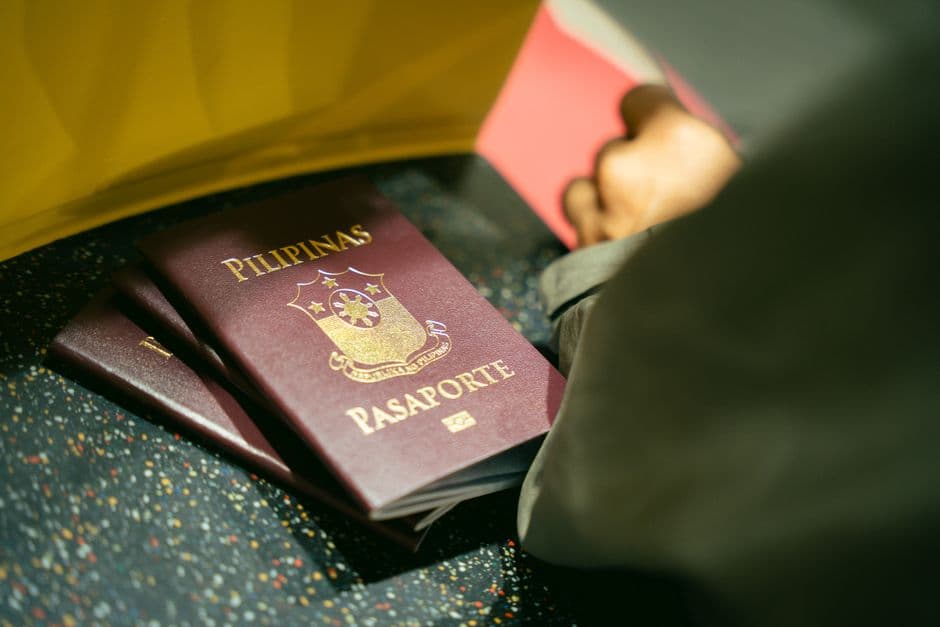
 Visas Entry