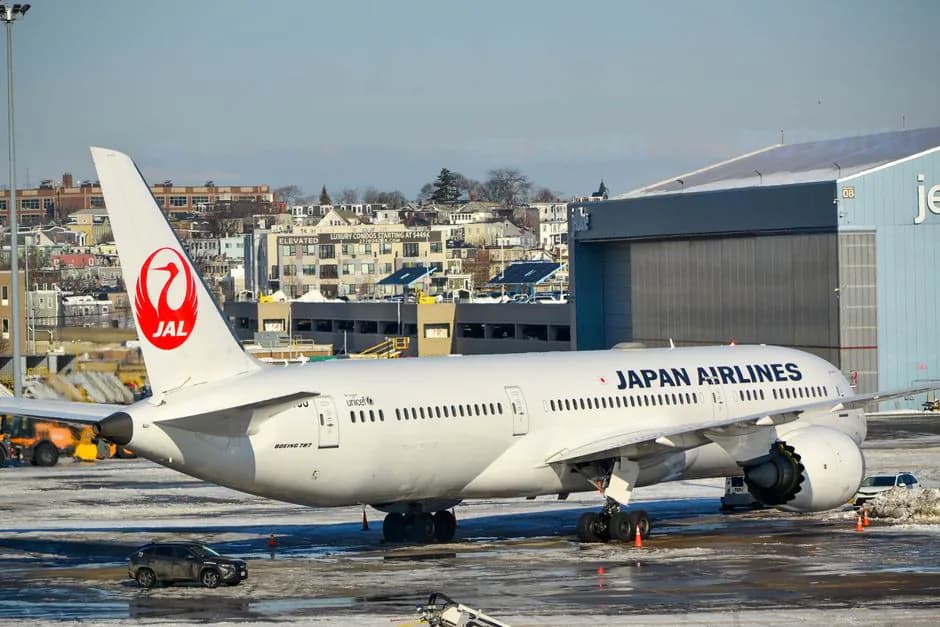
JAL offers 1 free hour of WiFi in Economy on all international flights. First and Business get unlimited. Here's how to connect, what to pay, and what to expect.
Japan Airlines gives every passenger on international flights at least one free hour of WiFi. If you're in First or Business Class, it's unlimited and free. Here's what you need to know before you board.
- Economy (free)
- 1 hour
- First & Business
- Unlimited free
- Paid top-up (1 hr)
- USD 10.15
- Paid top-up (3 hrs)
- USD 14.40
- Full-flight pass
- USD 18.80
- Provider
- Panasonic Avionics (Intelsat on some aircraft)
- Starlink rollout
- Started mid-2025
What you get for free
Since October 1, 2024, JAL made WiFi free across all cabin classes on all JAL-operated international routes (codeshare flights are excluded).
- First Class and Business Class: unlimited access for the full flight, no cap.
- Premium Economy and Economy: one free hour, enough for messages, emails, and a quick browse.
The free hour does not require a loyalty card. Anyone on board can claim it.
How to connect
- Switch your phone or laptop to airplane mode after takeoff.
- Turn WiFi back on and look for the JAL network in your list.
- Open a browser. You will be redirected to the JAL portal automatically.
- Choose your plan: claim the free hour or buy a paid pass upfront.
The portal works in your browser without installing an app. If the redirect does not happen, try navigating to http://www.google.com manually.
Paying for more time
Once your free hour runs out in Economy, you can buy additional access directly through the same portal:
| Plan | Price (USD) |
|---|---|
| 1 hour | 10.15 |
| 3 hours | 14.40 |
| Full flight | 18.80 |
Paying with a JAL Card, JAL Pay, or JAL USA Card gets you a discount on these rates. The full-flight pass is the best value on anything over 4 hours.
If you fly frequently, JMB Diamond and JGC Premier members can also redeem 40 free WiFi sessions per service year through the annual promotion.
Buy the full-flight pass on long-hauls
Tokyo to New York or London is 13+ hours. At USD 18.80 for the full flight vs USD 10.15 for a single extra hour, the all-day pass pays for itself the moment you buy a second session. Claim it as soon as the portal opens after takeoff.
Speed and reliability
JAL's international WiFi runs on Panasonic Avionics satellite systems on most aircraft, with Intelsat on some routes. It is satellite-based, so expect it to feel like a decent home broadband connection for browsing and streaming, but with occasional lag on video calls.
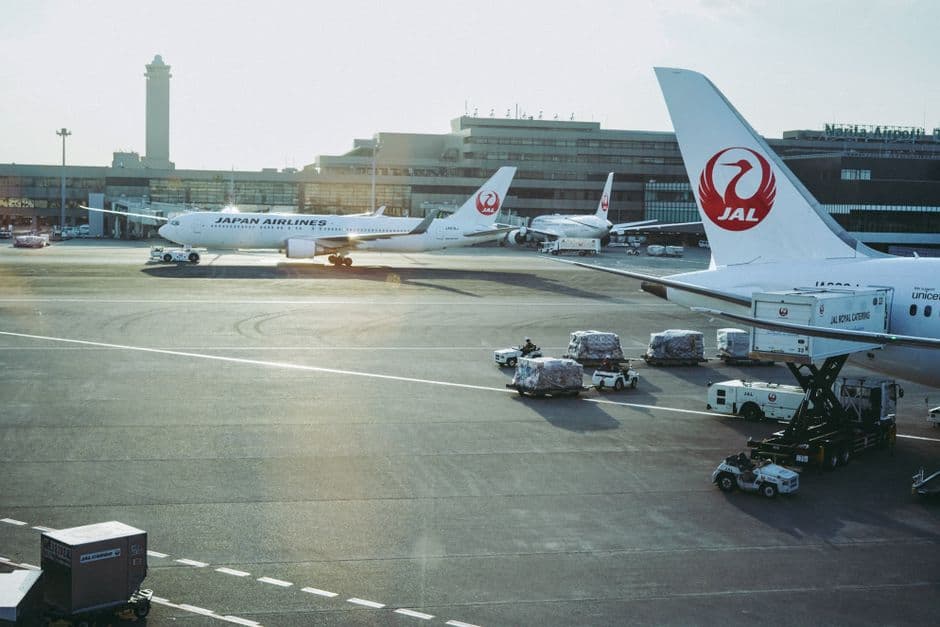
JAL began rolling out Starlink on its mainline international fleet from mid-2025, starting with the Boeing 787-8. Starlink delivers noticeably lower latency and higher peak speeds. Check your aircraft type when booking: if it's a 787-8 delivered after mid-2025, you may already have Starlink on board.
Coverage can drop over polar routes and during turbulent weather, since the system relies on clear satellite signal. Transpacific and Europe routes are generally solid. Expect the occasional 5-10 minute outage.
What works (and what doesn't)
WiFi on JAL is fine for:
- Email and messaging apps (WhatsApp, iMessage, Slack)
- Light browsing and reading articles
- Video calls on Starlink-equipped aircraft
It can struggle with:
- 4K streaming or large file downloads on Panasonic/Intelsat-equipped flights
- VPN connections (performance varies; some protocols are blocked)
The free hour is enough for most passengers to send messages on arrival or check a few things. For a full day of work, the full-flight pass is worth it.
 Food On